Access
Adult-managed learner entry
Learner mode begins inside the authenticated Home Studio and keeps account settings out of reach.
Safety by design
Home educators control learner setup and launch. Learner views stay separate from account controls, Riley interactions are screened, and private learning records remain household-scoped.
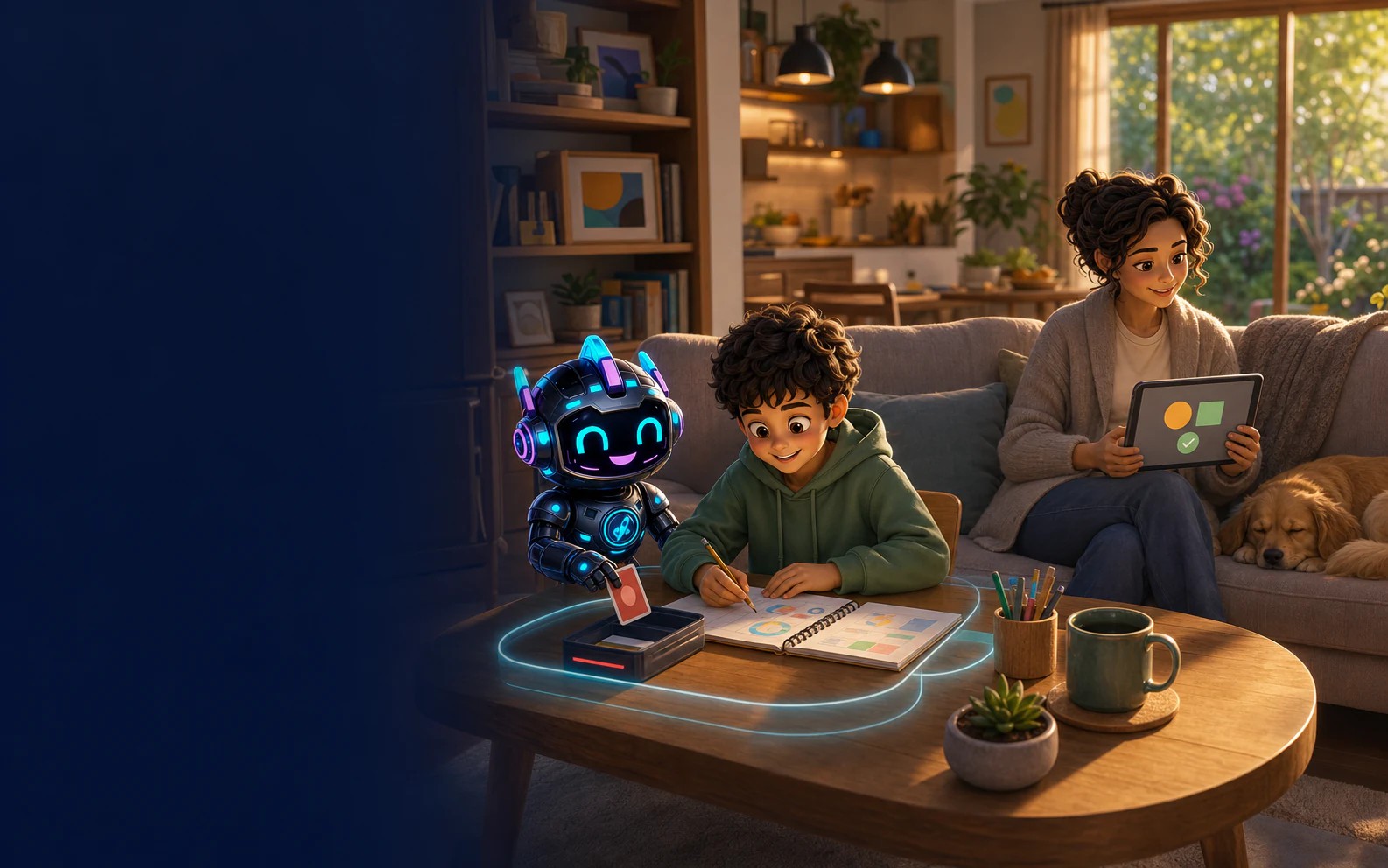
Practical safeguards
Safety is not a decorative badge. It is the set of boundaries around who can access a learner, what gets retained and how concerns reach the adult.
Learner mode begins inside the authenticated Home Studio and keeps account settings out of reach.
Learners, plans, work and evidence are scoped to the home workspace that owns them.
Messages are checked for safety concerns so the experience can respond appropriately and notify adults where required.
Adults can inspect the learning record and request deletion in line with the published privacy policy.
Read the privacy detail, then create your protected Home Studio when you are ready.
Disclaimer: SmartKidz is an independent educational platform. ACARA does not endorse or make any warranties regarding the alignment or accuracy of the content on this site. Australian Curriculum material is used under CC BY 4.0 license.