Launch
The educator starts the session
Choose the learner and open their focused mode from the protected Home Studio.
Learner experience
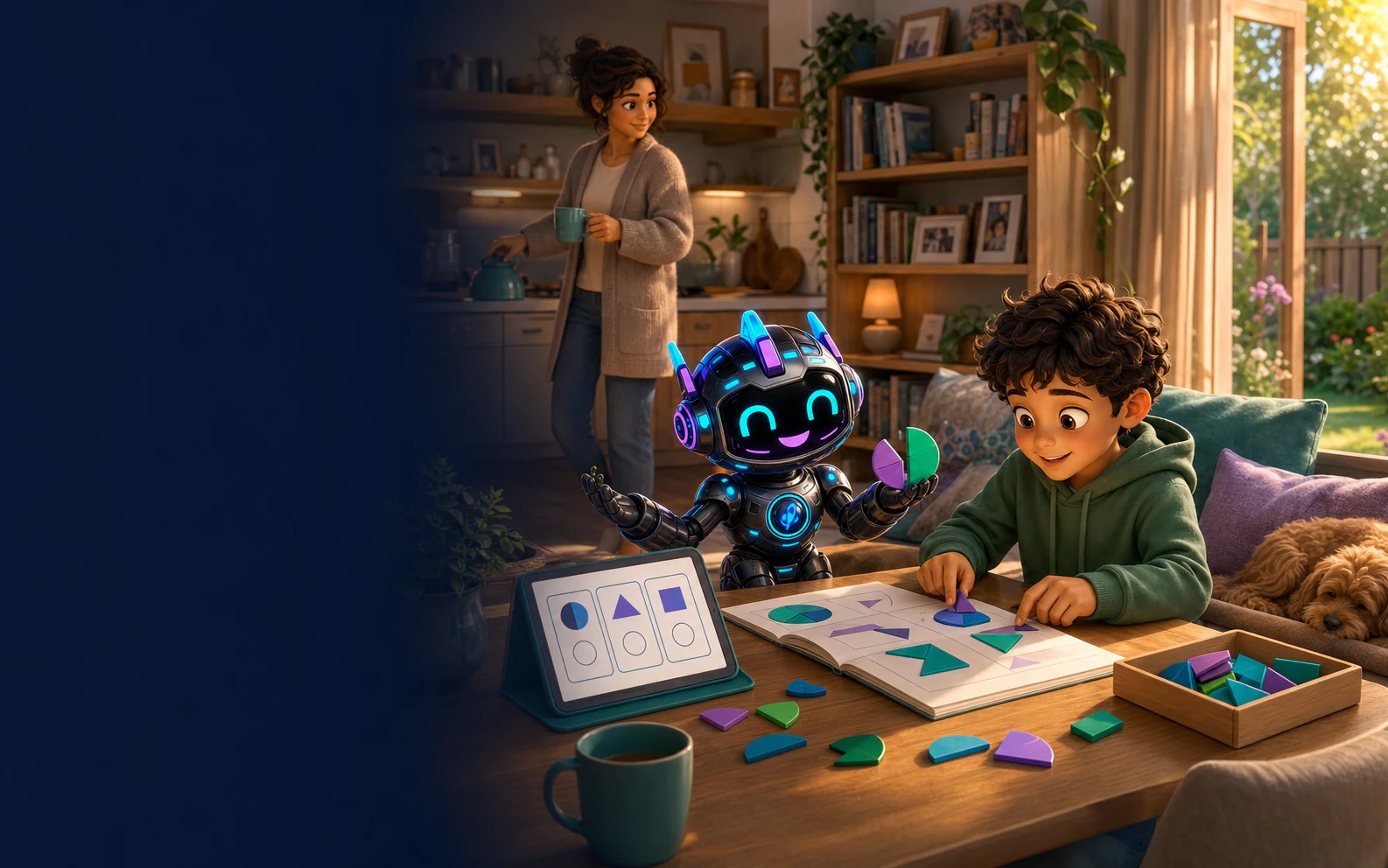
Launch a learner-specific view from the Home Studio. Learners see assigned work, Riley and their own progress, while educator planning, records and account controls stay separate.
Clear boundaries
The learner can take ownership of the work in front of them without inheriting access to the household learning plan or account settings.
Choose the learner and open their focused mode from the protected Home Studio.
Active work and clear next steps lead the screen instead of a crowded catalogue.
Learners can ask for age-appropriate explanations and step-by-step support within the learning context.
Leaving learner mode returns through an adult check before plans, evidence or billing are exposed.
Create your Home Studio, add a learner and launch their first focused session.
Disclaimer: SmartKidz is an independent educational platform. ACARA does not endorse or make any warranties regarding the alignment or accuracy of the content on this site. Australian Curriculum material is used under CC BY 4.0 license.